RIP Windows 10: What End of Life Actually Means for Your Business
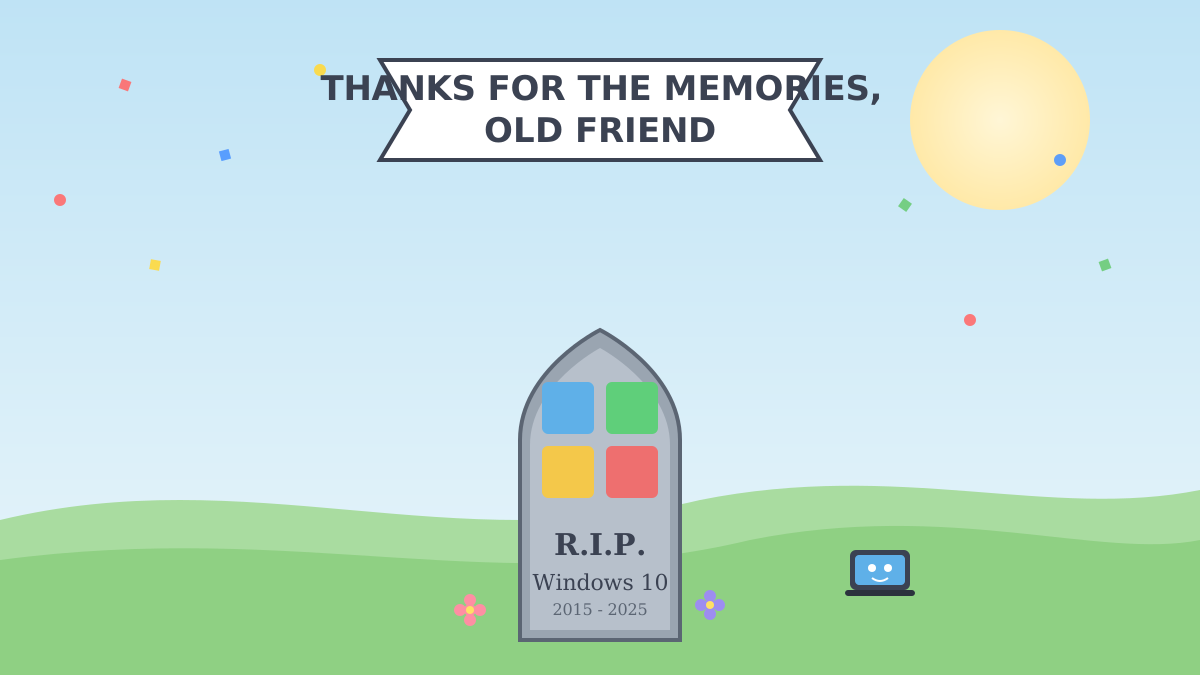
RIP Windows 10 (2015–2025) – So, Now What?
Windows 10 has officially shuffled off into the great OS retirement home. As of 14 October 2025, Microsoft stopped sending it security updates, bug fixes, or any kind of tech support. It’ll still boot up and look fine – like a smoke alarm with a dead battery, it’ll sit there quietly until the moment you really needed it to do its job.
If you’ve still got machines running it, don’t panic – but do keep reading.
“End of Life” – What Does That Actually Mean?
Good news: your PC won’t spontaneously combust. Bad news: Microsoft has basically stopped looking after it. Here’s what’s changed:
- No more security patches – new vulnerabilities just stay open, forever
- No more bug fixes or feature updates
- No more Microsoft support if something goes wrong
- Software vendors will gradually stop bothering to support it too
- Possible compliance/insurance headaches if you’re meant to be on supported software
In short: it still runs, but nobody’s patrolling the neighbourhood anymore.
Your Options (Pick Your Adventure)
- Upgrade to Windows 11 – if your hardware’s up to it, this is the easy button.
- Replace the old kit – some machines just aren’t cut out for Windows 11 (no TPM 2.0, ancient CPU, etc.) and need a proper retirement.
- Buy some time with ESU – Microsoft’s paid Extended Security Updates plan keeps the critical patches coming for a while longer. Handy as a stopgap, not a long-term plan.
Most businesses end up doing a bit of all three – upgrade what you can, replace what you can’t, and use ESU to buy breathing room while you sort the rest.
Why You Shouldn’t Just Ignore This
Every unpatched Windows 10 box sitting on your network is basically an open door with a “please don’t mind the gap” sign on it. Cybercriminals love hunting for exactly this kind of known, unfixed vulnerability – and one weak machine can be all it takes to put your whole network at risk, not just that one PC.
The genuinely good news? Sorting this out doesn’t have to be painful. A bit of planning – check what you’ve got, figure out what upgrades vs. what needs replacing, roll it out in stages – and you can get everyone onto safer ground without grinding the business to a halt.
Let’s Sort It Together
Not sure which of your machines are still clinging to Windows 10? Want a no-fuss plan to get everything onto Windows 11 (or work out if ESU is worth it as a stopgap)? Get in touch with the Kirks Global team – we’ll take a look at what you’ve got and sort a migration plan that actually fits your business, your budget, and your timeline.