Ruijie Reyee Review: Enterprise Performance at SME Prices
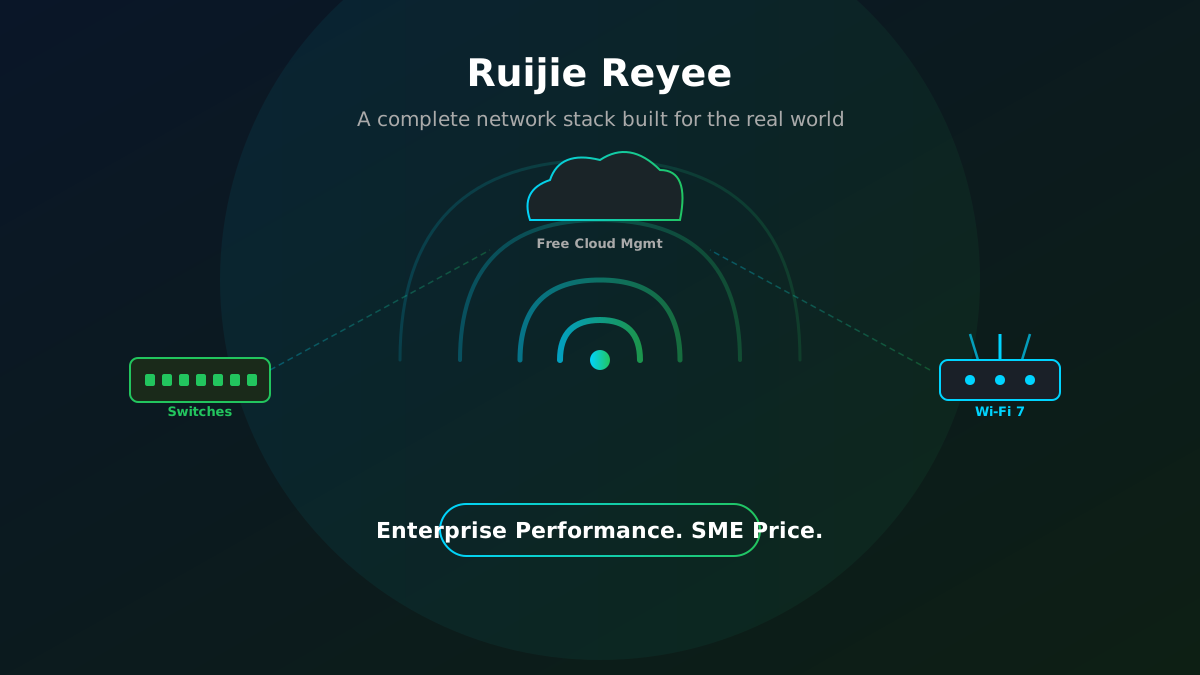
If you’ve been shopping for networking gear lately, you’ll know the pain: the well-known brands are excellent, but by the time you’ve spec’d out a stack of managed switches, a couple of access points, and a decent router for a business of 30-50 people, you’re looking at a number that makes finance wince. Enter Ruijie Reyee — a brand that’s been quietly turning heads in the SME networking world by delivering kit that punches well above its price tag.
We’ve been deploying and testing Reyee across a range of SME environments and the verdict is straightforward: for most small and medium-sized businesses, this is the smartest buy on the market right now.
Who is Ruijie Reyee?
Reyee is the SME-focused sub-brand of Ruijie Networks, a Chinese networking company founded in 2000 with over two decades of enterprise infrastructure experience behind it. The Reyee range was built specifically to bring that enterprise-grade engineering to the SMB market — without the enterprise price tag or the complexity. In 2025, Ruijie Networks was named a Representative Vendor in the Gartner Market Guide for Campus Infrastructure and Operations Software, which is independent validation that this isn’t just cheap kit — it’s a genuinely capable platform.
The Switches: Solid, Managed, and Surprisingly Affordable
The Reyee switching range covers everything from unmanaged desktop units for small offices right through to Layer 3 multi-gig managed switches for more demanding environments. For most SME deployments, the NBS series cloud-managed switches hit the sweet spot — full Layer 2+ capability, PoE+ and PoE++ options for powering access points and IP phones, VLAN support, and proper cloud management. They also ship with a 5-year warranty on selected lines, and the NBS series carries a Limited Lifetime Warranty beyond that. For the price, that’s remarkable.
Setting up a Reyee switch takes minutes rather than hours. There’s no CLI required for a standard SME deployment — everything is handled through the Ruijie Cloud portal, which is genuinely easy to use and, critically, completely free forever. No annual subscription, no per-device licensing, no nasty surprise at renewal time.
The Routers & Gateways: SD-WAN Built In
Reyee’s gateway range handles the WAN side of things, and it’s worth paying attention to. The routers include built-in SD-WAN capability through Reyee AnyLink — which means multi-WAN failover (fibre primary, 4G/5G backup, for example), load balancing across links, and branch-to-branch connectivity, all configured through the same free cloud portal. For a business with multiple sites or one that needs resilient internet connectivity, this is functionality that would cost significantly more with other vendors.
The Wi-Fi 7 router lineup, including models like the EW7200BE Pro, offers dual 2.5G WAN ports and plenty of LAN capacity, with Reyee Mesh built in so you can mix and match routers and access points across a site without any additional configuration headaches.
The Access Points: Wi-Fi 5, 6, and Now 7
This is where Reyee really shines for SME deployments. The wireless range covers Wi-Fi 5 through to Wi-Fi 7, ceiling mount, wall plate, outdoor, and high-density options, all at prices that make the competition look expensive. The RAP72Pro, a dual-band Wi-Fi 7 access point, comes in at around £126 ex-VAT and delivers performance that genuinely surprised independent reviewers at ITPro. Yes, it drops the 6GHz radio to hit that price point — but for the vast majority of SME environments, dual-band Wi-Fi 7 is more than adequate.
For environments where you need the full tri-band Wi-Fi 7 experience, the RAP73HD steps up with 6GHz/320MHz support, MLO (Multi-Link Operation), up to 1,500 concurrent client connections, and a 10GbE uplink. It’s a ceiling-mounted powerhouse that would feel at home in a high-density office, hotel, or multi-tenant building. And it still costs considerably less than comparable units from the household-name vendors.
The Secret Weapon: Ruijie Cloud
The thing that ties the whole Reyee stack together is Ruijie Cloud — and unlike almost every competitor in this space, it’s completely free. Not free-with-limits, not free-for-12-months. Free, forever, for every device, with no feature tiers.
From a single dashboard you get real-time monitoring, topology views, AI diagnostics that scan the network and flag root causes, wireless optimisation, client categorisation, VLAN and access control management, and remote configuration across every Reyee device on a site — or across multiple sites. For an MSP or IT team managing several clients, that’s a significant operational advantage. And for a small business owner who just wants to know their network is healthy, it’s remarkably approachable.
What’s the Catch?
Honestly? Not much. Reyee is a younger brand in the UK market, which means the installer and reseller ecosystem is smaller than what you’d find with more established names. Documentation and support resources are improving quickly, but they’re not at the same depth yet. For very large, complex enterprise deployments with specific requirements, the higher-end Ruijie enterprise range (not Reyee) may be more appropriate.
But for SMEs? A small office, a multi-site retail chain, a healthcare practice, a legal firm, a hospitality venue — the Reyee stack covers it confidently, at a price that leaves budget for the things that matter to the business.
Our Verdict
Ruijie Reyee has done something genuinely impressive: built a complete, cloud-managed networking stack — switches, routers, SD-WAN gateways, and access points from Wi-Fi 5 through Wi-Fi 7 — that delivers enterprise-grade performance and management capability at SME-friendly prices, with no ongoing cloud licence fees. It’s the kind of product range that makes a real difference to what you can do with a limited IT budget.
We’re recommending it, deploying it, and standing behind it for our SME clients. If your current network kit is ageing, overpriced, or overly complex to manage, Reyee deserves a serious look.
Want to Know More?
Thinking about refreshing your network infrastructure? Get in touch with the Kirks Global team — we’ll assess your current setup, recommend the right Reyee kit for your environment, and handle the deployment from start to finish.
The Top 10 Security Issues Facing UK Businesses Right Now
Right, brew in hand, let’s talk about the stuff that keeps UK IT teams (and business owners) up at night. Cyber crime isn’t some far-off problem for big corporations anymore – the latest UK government figures show well over 4 in 10 businesses had a breach or attack in the last year, and the average cost of a serious one now runs into six figures. Charming.
So here’s our rundown of the top 10 security headaches facing UK businesses right now – in plain English, with no jargon-soup.
1. AI-Powered Phishing & Deepfakes
Phishing has had an upgrade. AI tools now churn out emails with perfect spelling, believable context, and even cloned voices or video of your “CEO” asking for an urgent payment. Phishing is still behind the vast majority of UK breaches, and it’s only getting harder to spot with the naked eye.
2. Ransomware-as-a-Service
Ransomware used to require real technical skill. Now criminal gangs rent out ready-made attack kits to basically anyone with bad intentions and a laptop. Add “double extortion” (steal your data, then encrypt it, then threaten to leak it anyway) into the mix, and you’ve got attacks that can knock a business offline for three weeks or more.
3. Business Email Compromise
This is the quiet one. No malware, no obvious red flags – just a convincingly written email pretending to be a supplier, a colleague, or your finance director, asking for an invoice to be paid into “updated” bank details. A growing chunk of these emails are now AI-generated, which makes the usual telltale typos a thing of the past.
4. Supply Chain Attacks
You can lock your own front door, but what about your suppliers’? Attackers increasingly go after smaller vendors and IT providers with weaker defences, then use that trusted access to hop into every business connected to them. One compromised update from a trusted piece of software can ripple out to hundreds of companies at once.
5. Cloud Misconfiguration
Moving to the cloud is great, until a storage bucket gets left open to the public, or an old test environment with real customer data quietly stays online for years. Attackers actively scan the internet looking for exactly this kind of slip-up – and with businesses now juggling multiple cloud platforms, it’s easy to lose track of what’s actually exposed.
6. Weak Credentials & MFA Fatigue
Reused passwords and old accounts that were never switched off are still a goldmine for attackers. And multi-factor authentication, while still essential, isn’t the silver bullet it once was – some attackers now just spam someone with login prompts until they get tired and tap “approve” by mistake.
7. Legacy & Unpatched Systems
That old server in the corner nobody wants to touch? Or the forgotten developer access key sitting in old code? These are exactly the kind of things attackers love to find – outdated, unpatched, and usually holding more sensitive data than anyone remembers. (See also: our recent piece on Windows 10 reaching end of life – this is precisely the category of risk we mean.)
8. State-Aligned & Geopolitical Attacks
Not every threat is financially motivated. UK authorities have linked a growing number of attacks to state-aligned groups targeting government, healthcare, education, and infrastructure organisations – often timed around global events. These attacks don’t always come with obvious warning signs, which makes resilience just as important as prevention.
9. Remote & Hybrid Working Risks
Flexible working is here to stay, but so are the security gaps it can open up. Personal laptops, home routers, and unmanaged printers or webcams don’t always get the same security love as office kit – and that’s exactly the kind of soft entry point attackers go looking for.
10. Human Error
Last but very much not least: people. The overwhelming majority of data breaches trace back to a simple human mistake – clicking the wrong link, misconfiguring a setting, or sending something to the wrong inbox. No amount of fancy security software fixes this on its own; it takes ongoing training and a culture where people feel comfortable flagging when something looks off.
So, What Now?
None of this is meant to send you into a cold sweat – it’s meant to show you where to focus. Most of these risks come back to a handful of fundamentals: strong, well-managed access controls, regular patching, proper backups, supplier oversight, and a team that knows what to watch out for. Get those right and you’ve already closed off most of the easy wins for attackers.
Get in Touch
Not sure where your business stands against any of the above? Get in touch with the Kirks Global team – we’ll run through your current setup, flag the gaps that matter most, and put together a practical plan to close them, without the scare tactics or the jargon.
RIP Windows 10: What End of Life Actually Means for Your Business
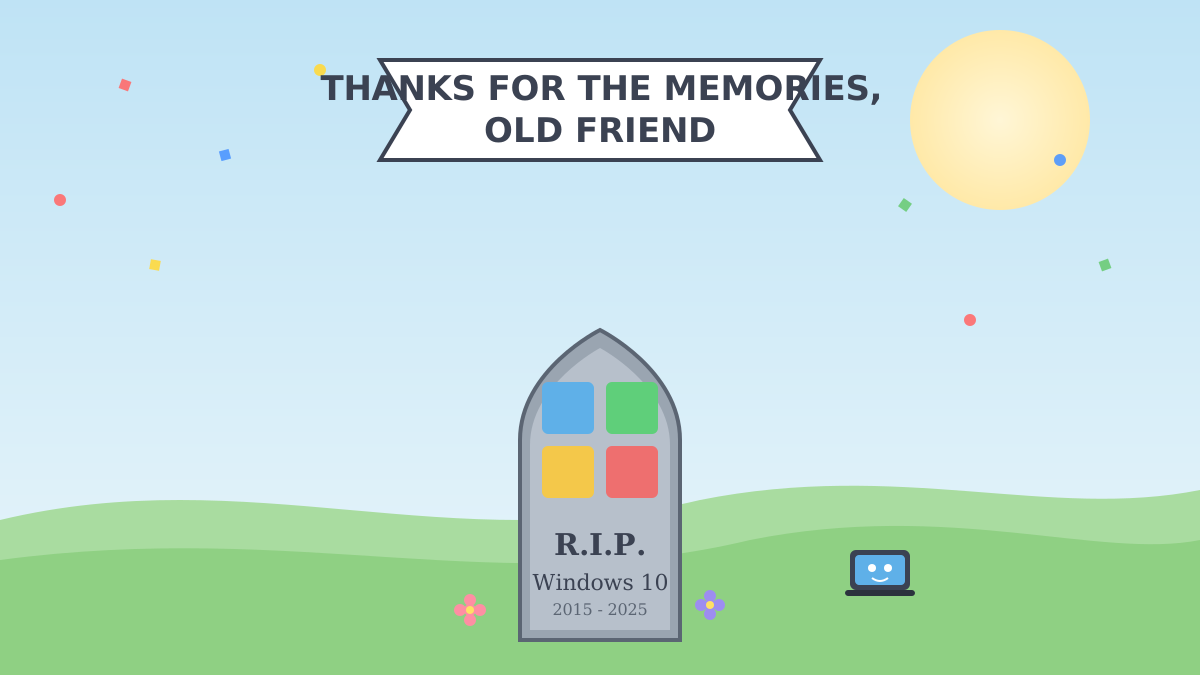
RIP Windows 10 (2015–2025) – So, Now What?
Windows 10 has officially shuffled off into the great OS retirement home. As of 14 October 2025, Microsoft stopped sending it security updates, bug fixes, or any kind of tech support. It’ll still boot up and look fine – like a smoke alarm with a dead battery, it’ll sit there quietly until the moment you really needed it to do its job.
If you’ve still got machines running it, don’t panic – but do keep reading.
“End of Life” – What Does That Actually Mean?
Good news: your PC won’t spontaneously combust. Bad news: Microsoft has basically stopped looking after it. Here’s what’s changed:
- No more security patches – new vulnerabilities just stay open, forever
- No more bug fixes or feature updates
- No more Microsoft support if something goes wrong
- Software vendors will gradually stop bothering to support it too
- Possible compliance/insurance headaches if you’re meant to be on supported software
In short: it still runs, but nobody’s patrolling the neighbourhood anymore.
Your Options (Pick Your Adventure)
- Upgrade to Windows 11 – if your hardware’s up to it, this is the easy button.
- Replace the old kit – some machines just aren’t cut out for Windows 11 (no TPM 2.0, ancient CPU, etc.) and need a proper retirement.
- Buy some time with ESU – Microsoft’s paid Extended Security Updates plan keeps the critical patches coming for a while longer. Handy as a stopgap, not a long-term plan.
Most businesses end up doing a bit of all three – upgrade what you can, replace what you can’t, and use ESU to buy breathing room while you sort the rest.
Why You Shouldn’t Just Ignore This
Every unpatched Windows 10 box sitting on your network is basically an open door with a “please don’t mind the gap” sign on it. Cybercriminals love hunting for exactly this kind of known, unfixed vulnerability – and one weak machine can be all it takes to put your whole network at risk, not just that one PC.
The genuinely good news? Sorting this out doesn’t have to be painful. A bit of planning – check what you’ve got, figure out what upgrades vs. what needs replacing, roll it out in stages – and you can get everyone onto safer ground without grinding the business to a halt.
Let’s Sort It Together
Not sure which of your machines are still clinging to Windows 10? Want a no-fuss plan to get everything onto Windows 11 (or work out if ESU is worth it as a stopgap)? Get in touch with the Kirks Global team – we’ll take a look at what you’ve got and sort a migration plan that actually fits your business, your budget, and your timeline.
Hello world!
Welcome to WordPress. This is your first post. Edit or delete it, then start writing!